 Masked Email Manager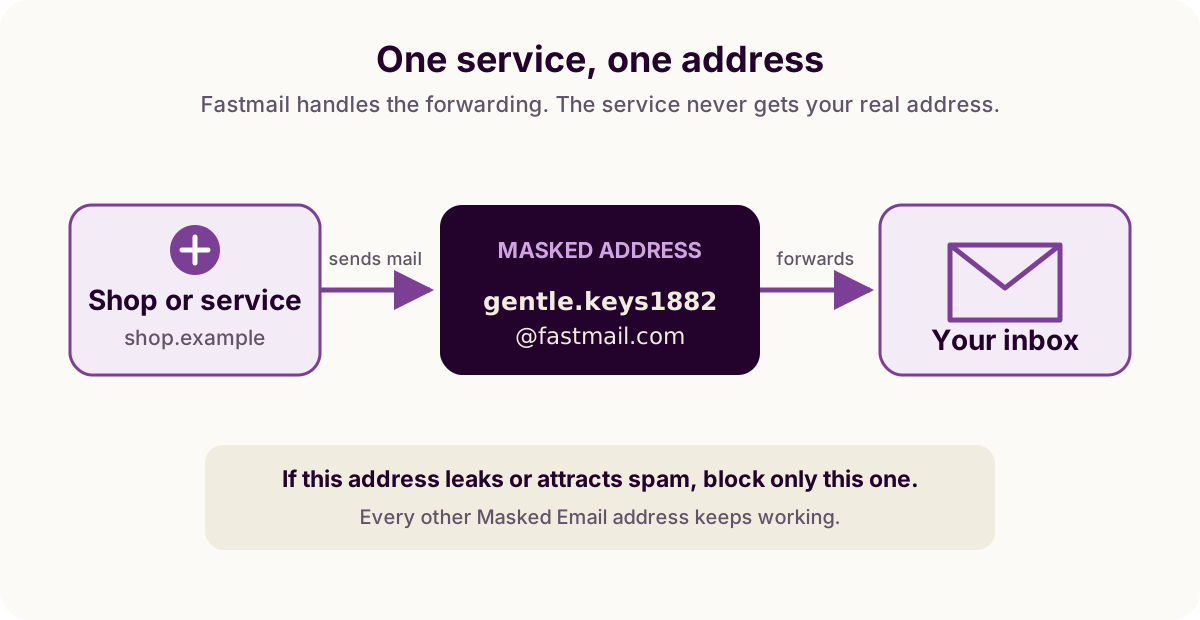
What is Fastmail Masked Email?
How the feature works, plus the differences from aliases, plus addresses and catch-all domains.
Guides
Practical instructions for setting up Masked Email, making addresses, and dealing with them when you no longer want the mail.
What the feature is, and the setup you do once.
How the feature works, plus the differences from aliases, plus addresses and catch-all domains.
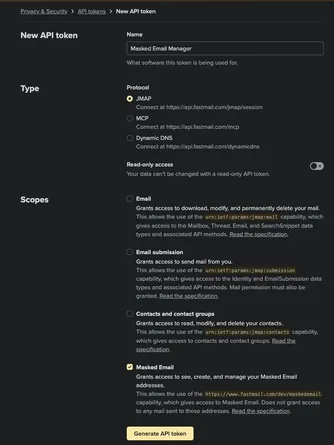
Find the setting, select the Masked Email scope, and connect the app.
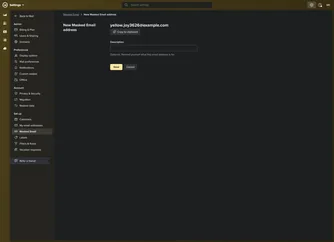
Make an address in Fastmail or from Masked Email Manager on your phone.
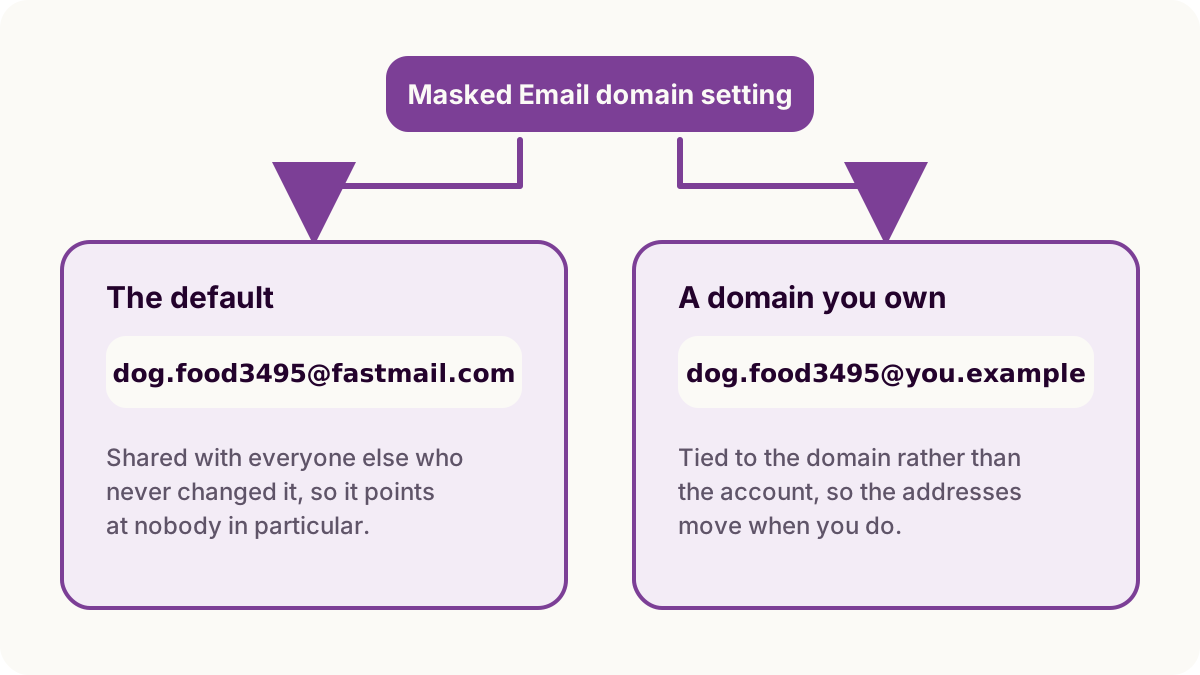
Fastmail's shared domain or one of your own, and what you give up either way.
Living with the addresses once you have a pile of them.
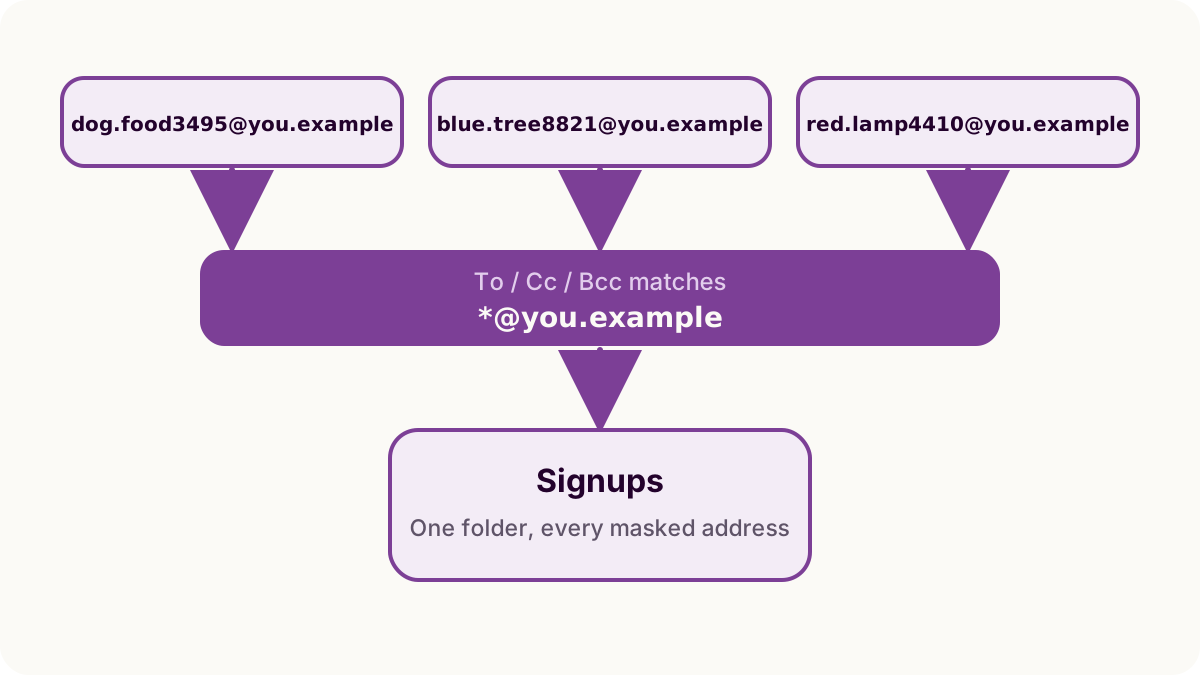
File mail by the address it arrived at, and search one address's history.
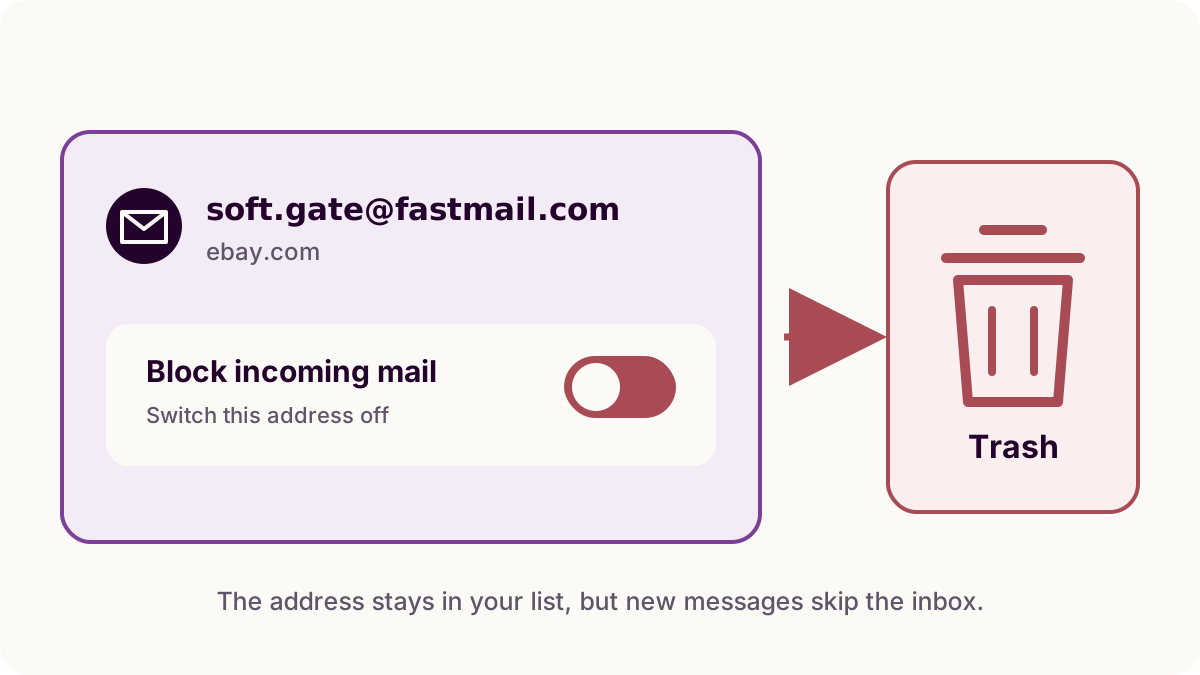
Turn an address off, see where its mail goes, and decide whether to delete it.
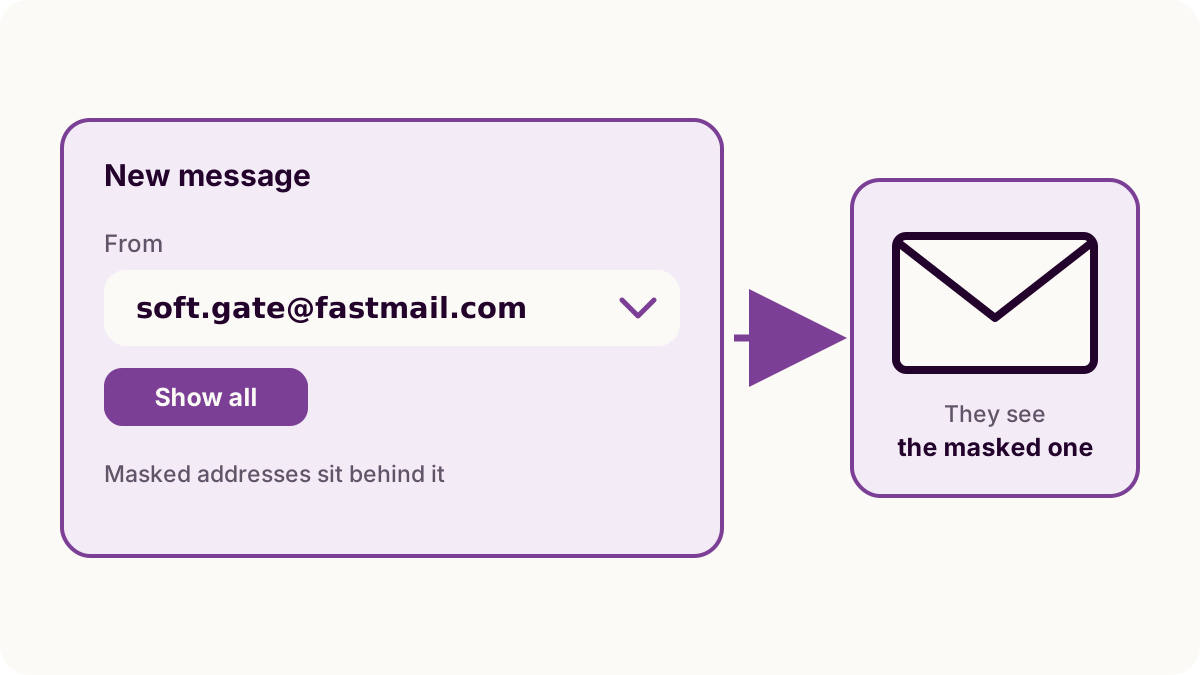
Answer from the masked address, and pick one for a message you start yourself.
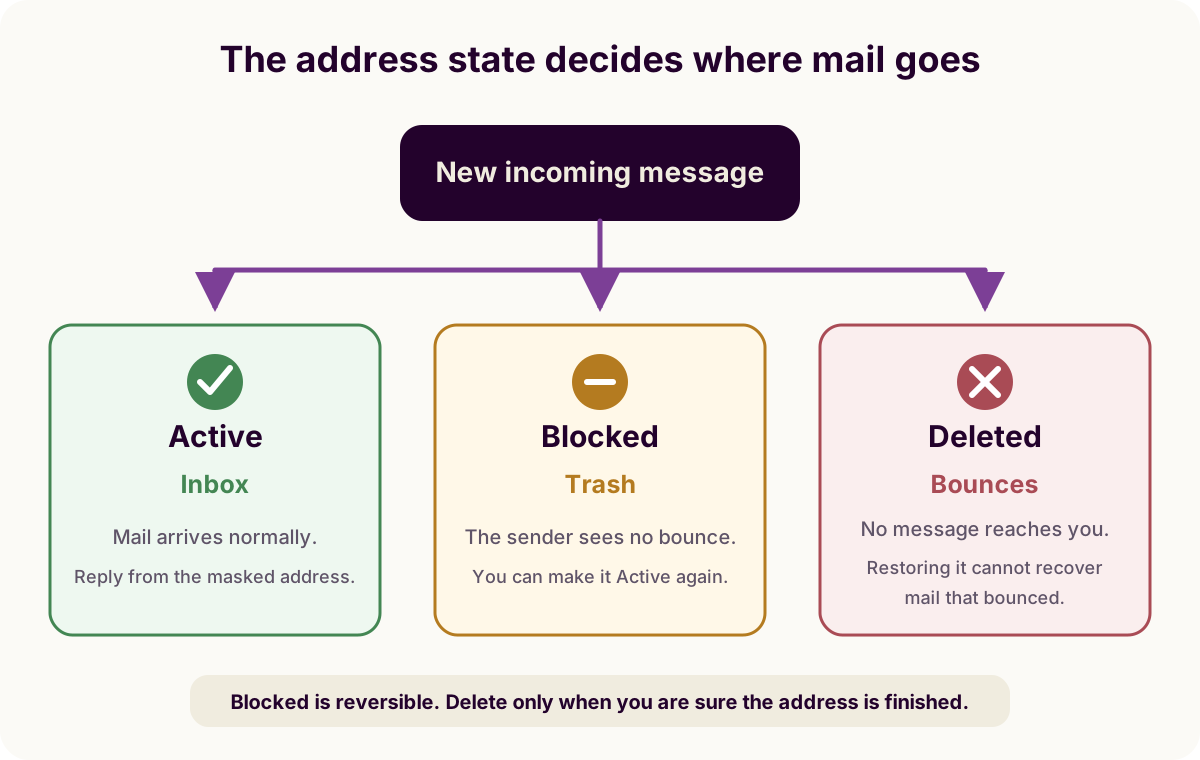
Check the address status and search every folder for missing mail.
Making addresses without opening Fastmail.
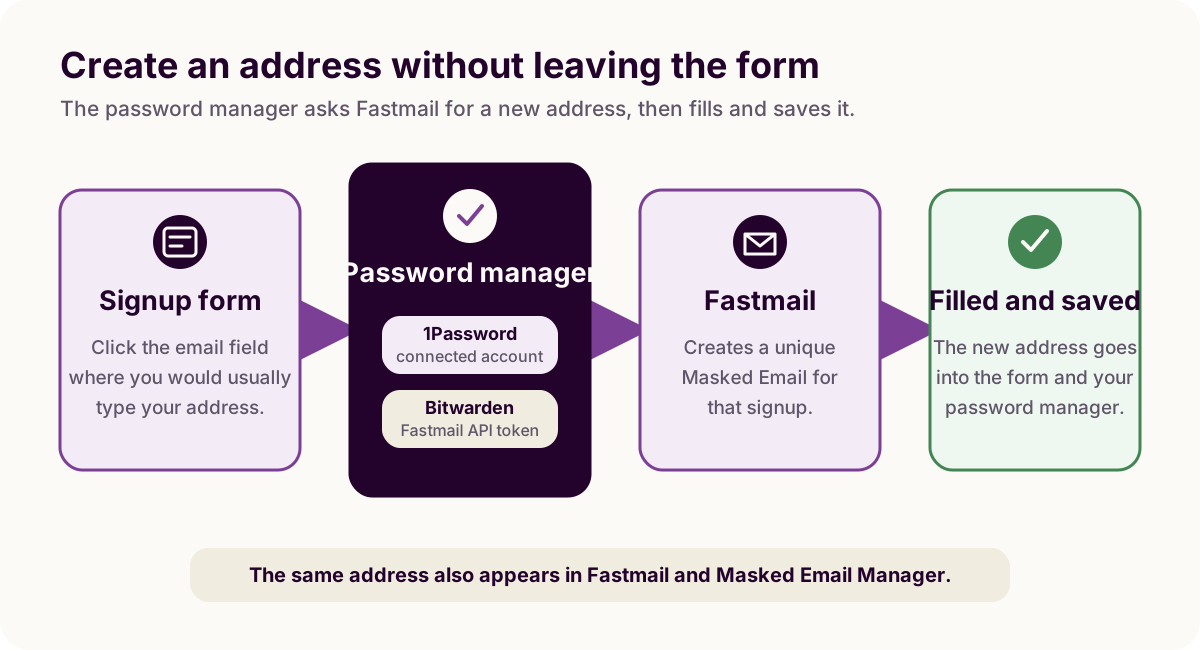
Connect either password manager and create addresses while signing up.
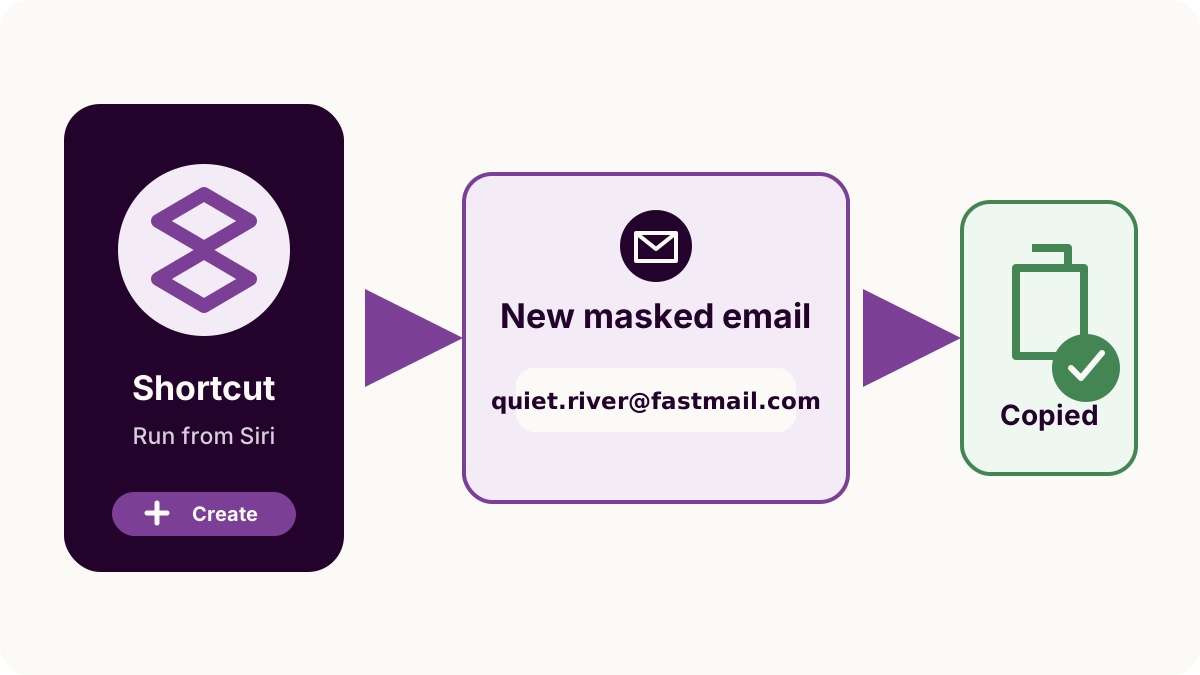
Build a shortcut that creates an address and puts it on the clipboard.
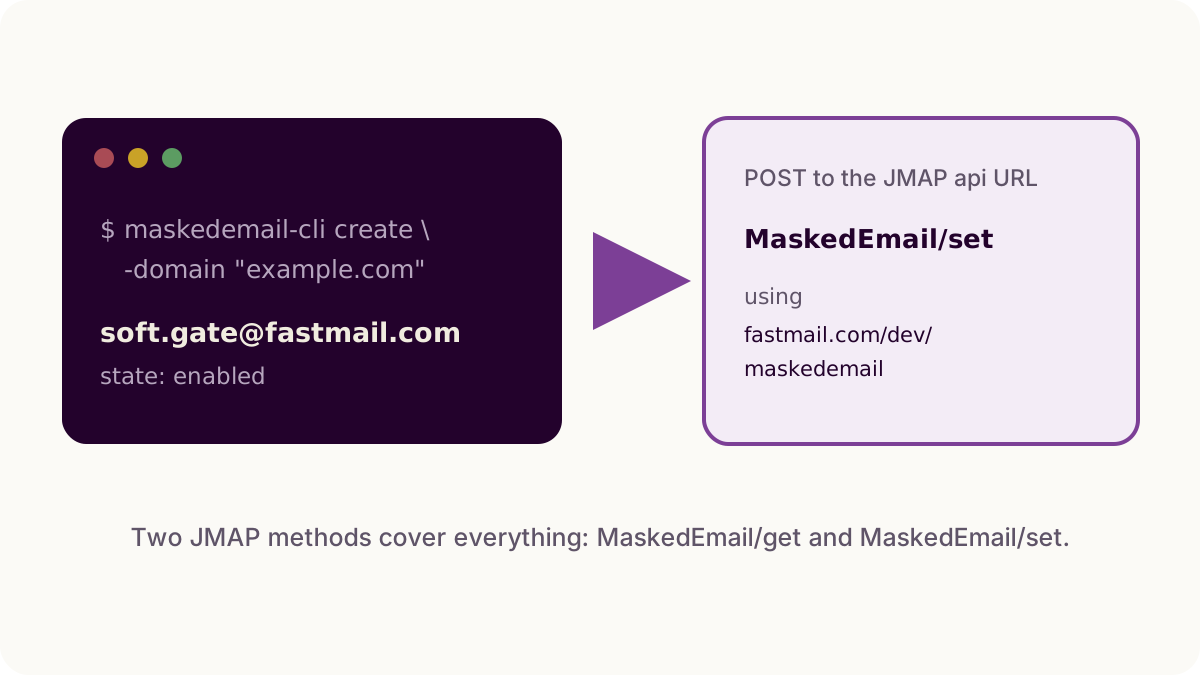
Use maskedemail-cli, and read the JMAP methods it calls underneath.
The alternatives, and where Masked Email is and is not the better one.
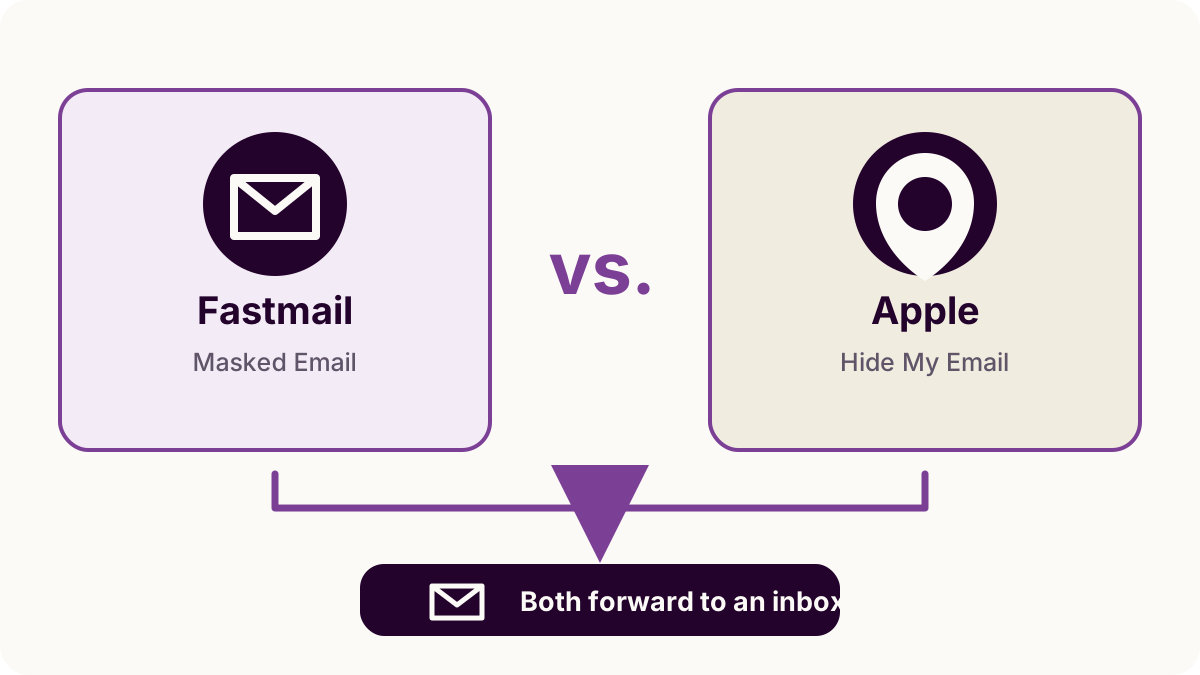
Compare cost, device support, and the tools available for managing addresses.
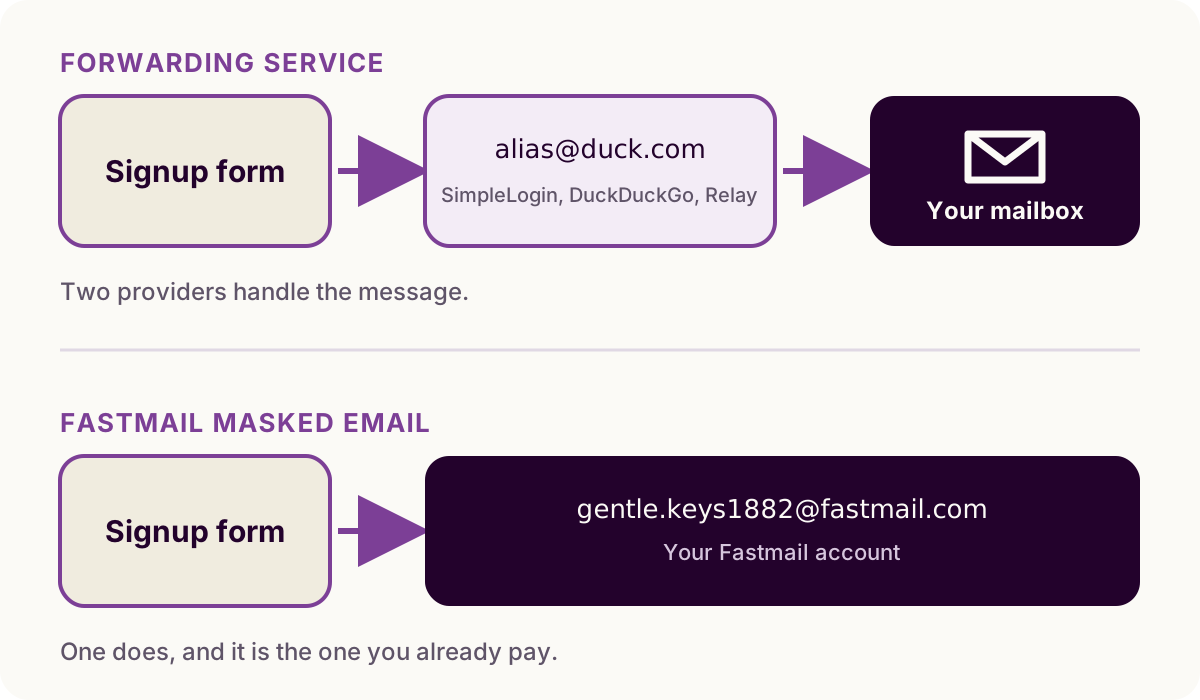
Three forwarders relay to a mailbox elsewhere. What that hop costs you.
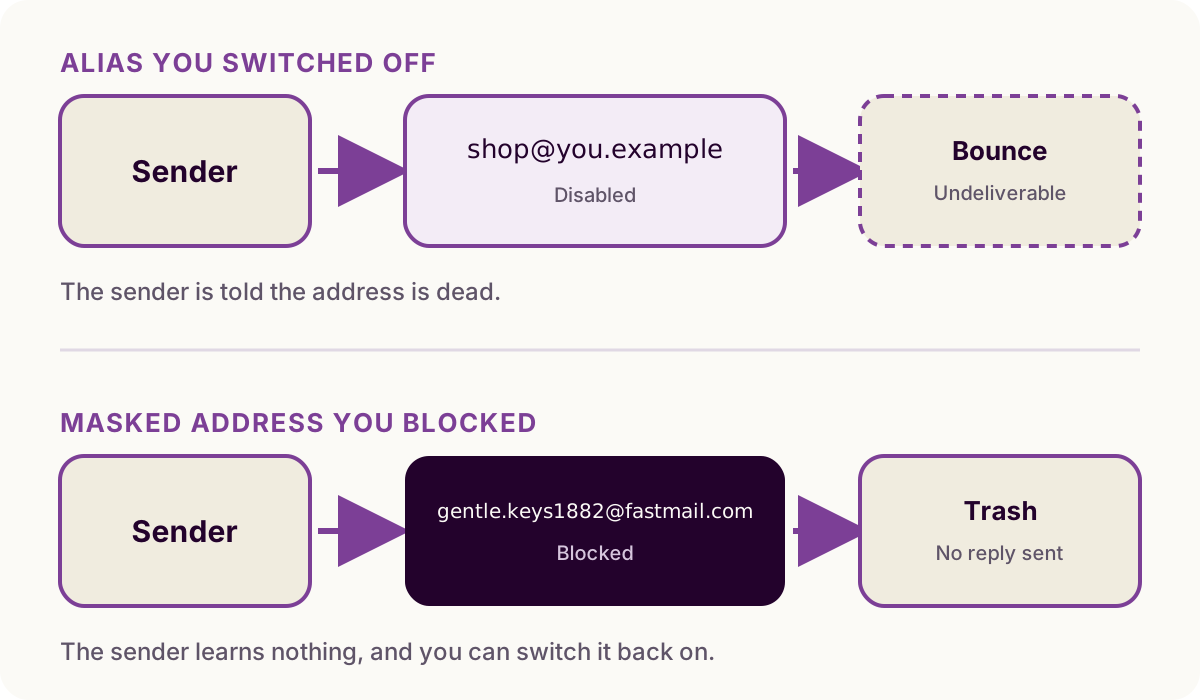
Both hide your main address. Only one has an off switch that does not bounce.