 Masked Email Manager
Replying and sending from a Masked Email
A masked address forwards mail in. It works the other way too: answer from it, or start a message with it, and your real address stays out of the thread.
Replying takes no setup
Reply to a message that arrived at a masked address and Fastmail sends the reply from that same address. You do not have to remember which one the shop has, and the recipient sees no more than they did before.
The sending address is still a dropdown, so you can switch the reply to your real address on purpose. That is worth doing when a conversation has outgrown the signup it started as, and worth avoiding when it has not.
Starting a new message from one
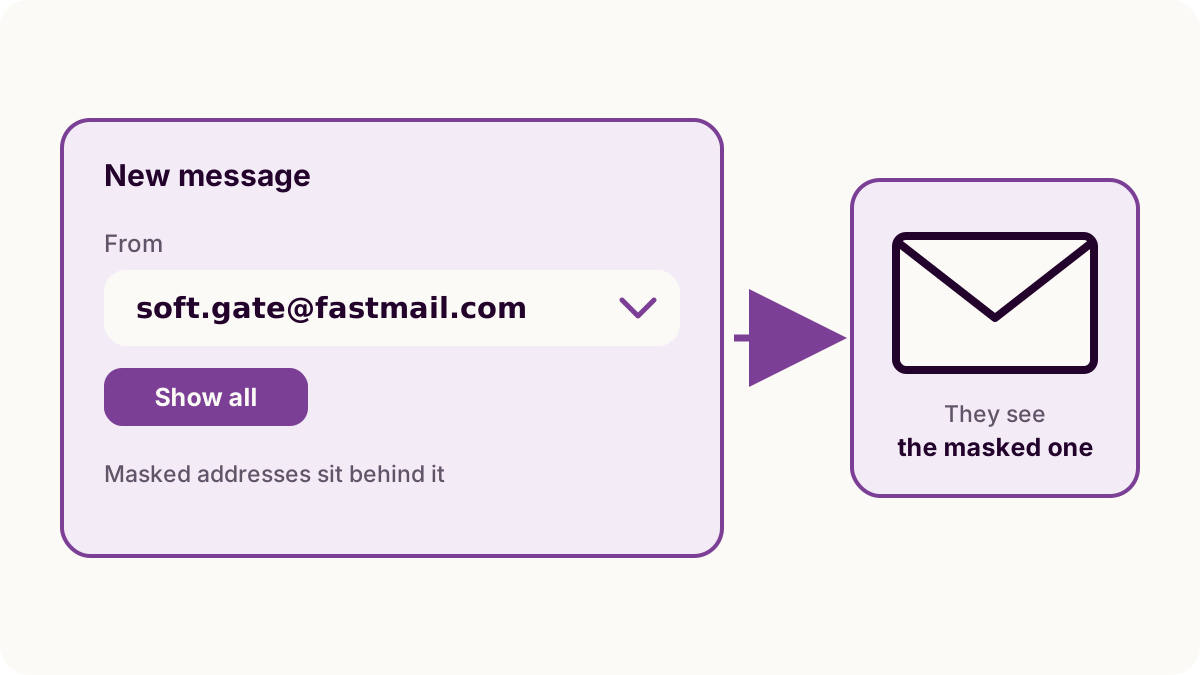
Masked addresses are left out of the sending list until you ask for them, which is why a new message defaults to your real address even when the thread should not.
- Open Compose.
- Open the dropdown on the sending address.
- Choose Show all, then pick the masked address.
This is the case a password manager cannot help with, because there is no signup form involved: writing to a support desk before they have written to you, or re-opening a thread from an address that has been quiet for a year.
Masked Email Manager does not send
The app holds a Fastmail API token scoped to Masked Email. That scope covers listing, creating, blocking and deleting addresses, and stops short of reading or sending a message, which is the point of using it rather than a full-access token. Sending happens in Fastmail's own apps and web interface.
What the app is for here is the part around it. Search the list for the site name to find which address a thread belongs to, copy it with a swipe, and switch the address off once the replies stop being worth having.
The Masked Email explainer covers how forwarding works and how a masked address differs from an alias.
Masked Email Manager is the step before and after: find the address a thread belongs to, copy it, and switch it off when the answers stop being worth having.