 Masked Email Manager
Masked Email with Shortcuts and Siri
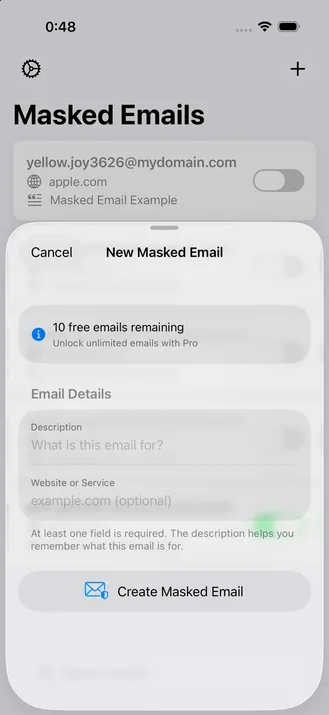
The Create Masked Email action can make an address without opening the app. Run it from Siri, Back Tap, or the Action Button. The action requires the Full Version; the rest uses Apple's Shortcuts app.
Building the shortcut
- In the Shortcuts app, create a shortcut and add Create Masked Email.
- Fill in For Domain or Email Description. The action needs at least one of them. Setting Ask Each Time on one turns the shortcut into a prompt, so you can name the site as you run it.
- Add Copy to Clipboard and feed it the action's result.
- Name the shortcut. That name is also what you say to Siri.
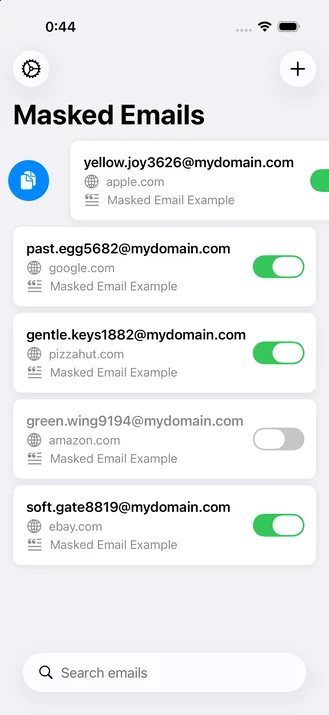
Run it and the address is on the clipboard. It appears in the app's list like any other, so you can block it later from the same place.

Two more ways to run it
You can also assign the named shortcut to a physical gesture or button.
- Back Tap. In Settings, then Accessibility, then Touch, then Back Tap, assign the shortcut to a double or triple tap. A new address is then two or three taps away, no matter what's on screen.
- Action Button. On iPhone 15 Pro and later, go to Settings, then Action Button, then Shortcut to bind it there directly, in place of whatever action you had assigned before.
The Create Masked Email action comes with the Full Version of Masked Email Manager, a US$2.99 one-time purchase.